How to Create a Fundraising Campaign on GoHelpMe.Online: Step-by-Step Guide to Start Your JourneyIntroduction
In today's world, online fundraising has made it easier than ever to support meaningful causes. Whether you're helping a loved one in need, funding a medical emergency, supporting education, or driving community projects — GoHelpMe.Online is the perfect place to start.
This step-by-step guide will walk you through how to create a campaign on GoHelpMe.Online, how to make it successful, and how to inspire others to donate and share your story.
What Is GoHelpMe.Online?
GoHelpMe.Online is a free crowdfunding and fundraising platform designed to help people raise funds for personal, social, or charitable causes. It connects donors and campaign creators in one secure, transparent, and easy-to-use space.
Unlike traditional fundraising platforms that charge high fees or have complex setup processes, GoHelpMe.Online makes campaign creation simple, fast, and free — allowing anyone, anywhere, to make a difference.
Why Choose GoHelpMe.Online for Your Fundraiser?
Gohelpme.online is the reason behind this. What makes online fundraising different from other platforms:
- 100% Free to Start: There are no setup or membership costs associated with starting a campaign.
- User-Friendly Interface: Even for novice users, the platform is made to be simple to use and intuitive.
- Quick Approval: As soon as your campaign is submitted, it gets online, enabling you to raise money more rapidly.
- Global Reach: Anyone can safely contribute to your campaign from anywhere in the world.
- Transparency & Trust: Every transaction is traceable, safe, and transparent.
When you choose GoHelpMe.Online, you choose trust, transparency, and community support.
Step 1: Visit the Official Website
Start by visiting the official website — https://gohelpme.online.
The homepage gives you two primary options:
- Create a Campaign – For those who need financial help or want to raise funds for others.
- Donate Now – For people looking to support causes that matter to them.
If you're ready to begin your fundraising journey, click on the "Create a Campaign" button.
Step 2: Sign Up or Log In:
To start your campaign, you'll need to create an account on GoHelpMe.Online.
- You can sign up with your email address and a password.
- If you already have an account, log in to access your dashboard.
Your account allows you to manage your campaigns, track donations, and update supporters on your progress.
Step 3: Choose a Campaign Category
Once logged in, you'll be asked to select a campaign category that best fits your cause.
Some popular categories include:
- Medical Emergencies
- Education Support
- Animal Welfare
- Disaster Relief
- Memorial & Funeral Support
- Community Projects
- Personal Causes
Selecting the correct category helps attract the right audience and increases the visibility of your campaign.
Step 4: Write a Compelling Campaign Title
Your campaign title is the first thing people see — make it clear, emotional, and direct.
For instance: "Help Needed" ✅ "Help a Mother Battling Severe Arthritis Rebuild Her Life"
A compelling title makes it easier for others to grasp your mission and connect with you on an emotional level.
Step 5: Give a Detailed Account of Your Story
Every successful campaign has a narrative at its core. Tell your story in a way that encourages action and fosters trust.
Here are some guidelines:
- Be genuine: Describe your need for assistance and the intended use of the funds.
- Incorporate emotion: People relate to genuine experiences and emotions.
- Be open and honest by mentioning specific needs, such as medical bills, tuition, or community objectives.
- Finish with optimism by demonstrating the actual impact that donations will have.
💡 Pro Tip: Break your story into short paragraphs, use headings or bullet points, and include updates once donations start coming in.
Step 6: Set a Realistic Fundraising Goal
Next, you'll need to set your fundraising goal — the amount you want to raise.
Be realistic. Look at your actual needs and factor in any fees or additional costs. A clear, achievable goal builds donor confidence and helps you reach your target faster.
If you're not sure where to start, GoHelpMe.Online provides guidelines and examples to help you decide.
Step 7: Upload High-Quality Images or Videos
A campaign with visuals gets three times more engagement than one without.
Add:
- Clear images of the person, place, or project.
- Short videos explaining your cause.
- Before-and-after photos if you're fundraising for ongoing projects.
Good visuals build trust and make your campaign shareable on social media.
Step 8: Publish Your Campaign
Once your campaign details are ready, review everything carefully.
Check:
- Title and story clarity
- Fundraising goal
- Correct category
- Uploaded images or videos
Click "Publish Campaign" once you're happy. After evaluation and approval, your campaign will launch on the GoHelpMe website.
Step 9: Promote Your Initiative Everywhere
Publishing is only the first step. You need to actively publicise your campaign in order to draw in donors.
Use these strategies to get the word out:
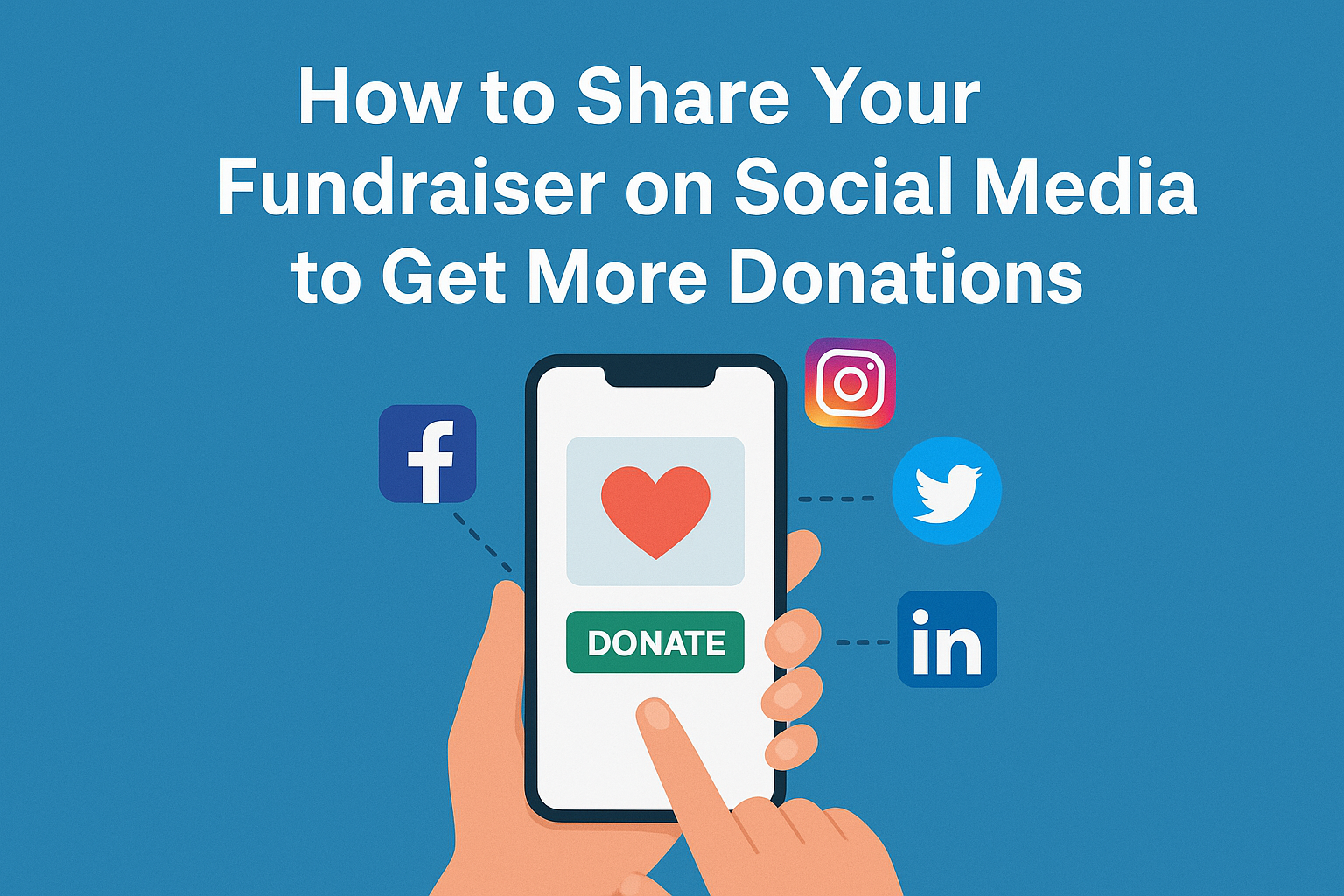
- Post your link on WhatsApp, Instagram, and Facebook.
- Encourage loved ones to spread the word about your campaign.
- Post updates on your campaign page to keep supporters informed.
- Use hashtags like #GoHelpMe.Online #Fundraiser #DonateForCause #Crowdfunding.
The more you share, the more visibility your campaign gets — and the faster you reach your goal.
Step 10: Engage with Donors and Share Updates
Building trust doesn't stop after receiving donations. Keep your supporters updated.
- Post regular thank-you messages.
- Share progress photos or videos.
- Be transparent about how the funds are being used.
GoHelpMe.Online makes it easy to update donors right from your campaign dashboard. Engaged donors often donate again or share your campaign with others.
Tips to Make Your GoHelpMe.Online Campaign More SuccessfulHere are a few expert tips to make your campaign stand out:
- Start strong – The first few days matter most. Ask close friends to donate early.
- Be transparent – Honesty builds trust and long-term support.
- Use storytelling – Share personal moments that connect emotionally.
- Add video – Short videos boost credibility.
- Say thank you – Gratitude encourages repeat donations.
- Stay active – Keep updating and sharing until you meet your goal.
1. Is it free to create a campaign on GoHelpMe.Online?
Yes, it's completely free to create a campaign. You can start fundraising without paying any setup or monthly fees.
2. Can anyone create a campaign?Yes. Whether you're an individual, a non-profit, or a community group, anyone can start a campaign.
3. How long does it take for my campaign to go live?Usually, campaigns go live within 24 hours after review.
4. How do I receive funds?Once donations are received, GoHelpMe.Online transfers funds securely to your registered account.
5. Can I edit my campaign after publishing?Yes, you can update details, add photos, or modify your goal even after your campaign goes live.
Conclusion
Creating a campaign on GoHelpMe.Online is more than just fundraising — it's about building hope, community, and change. With its simple interface, global reach, and transparent process, anyone can start a meaningful journey of giving and receiving support.
So don't wait — if you have a cause that deserves attention, create your campaign today at GoHelpMe.Online, and start making a difference.